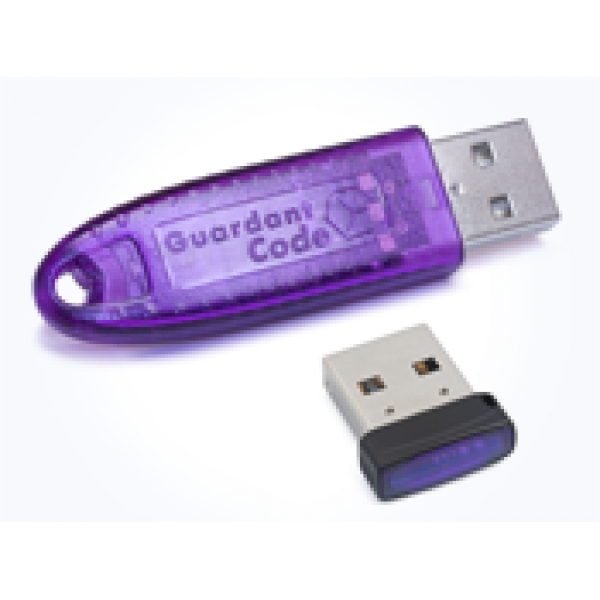
Brand:MasterEditPro (DiK) Product Code: Скрипт ГАЗ М74.9.1 запись/чтение Активируем за 30 минут
Таблица времени ожидания на активацию модулей/лицензий (по МСК)
Combiloader - в течении 5-15 минут без выходных с 8:00 до 21:00
ChipTuningPro - в течении 5-15 минут без выходных с 8:00 до 21:00
M&DFlasher - в течении 5-15 минут без выходных с 8:00 до 21:00
BitBox - в течении 5-15 минут без выходных с 8:00 до 21:00
BitEdit - в течении 5-15 минут без выходных с 8:00 до 21:00
MMCFlash - в течении 20-30 минут без выходных с 8:00 до 21:00
ECULite - в течении 20-30 минут без выходных с 8:00 до 21:00
PCMFlash - в рабочие дни разработчик активирует модули с 10:00 до 18:00 - ожидания 60-90 минут. В выходные, праздничные дни - по возможности
DTC-edit - в рабочие дни с 10:00 до 21:00 - ожидание в течении 30-60 минут. В выходные дни - в течении дня. В праздничные дни - по возможности
Scandoc - в рабочие дни разработчик активирует модули с 10:00 до 18:00 - ожидания 30-60 минут. В выходные, праздничные дни - по возможности
OpenBox - в рабочие дни разработчик активирует модули с 8:00 до 16:00 - ожидания 60-120 минут.В выходные, праздничные дни - по возможности. Круглосуточная поддержка от разработчика OpenBox.
MasterEditPro - в рабочие дни разработчик активирует модули с 10:00 до 18:00 - ожидания 60-90 минут. В выходные, праздничные дни - по возможности
ProByte - в рабочие дни разработчик активирует модули с 10:00 до 18:00 - ожидания 60-90 минут. В выходные, праздничные дни - по возможности
OpenDiagPro - в рабочие дни разработчик активирует модули с 10:00 до 18:00 - ожидания 60-90 минут. В выходные, праздничные дни - по возможности
Script for working with ECU M74.9.1 produced by Itelma installed on GAZ cars. The GAZ M74.9 ECU (259.3765 004-01) is not supported yet. You can identify the ECU by requesting ID or number 259.3765 004-11. Everyone's sticker says M74.9.
Before to insert the USB key into your PC, be sure to install the driver for Guardant key:
Key driver x86
Key driver x64
The Program MasterEditPro
Instructions for initial activation of:
To install the software and the dongle driver.
To start the Upgrade key (start-all programs-MasterEditPro-Upgrade key or help menu) and send the generated FILE-request for update on info@ecupro.ru indicating your order number.
After this do not generate new requests, and then sent the upgrade key will not install and will have to be regenerated.
While the key is not activated, none of the module, the program will issue an error and will not see the key-this is normal.
Manual for subsequent activations of the modules:
To start the Upgrade key (start-all programs-MasterEditPro-Upgrade key or help menu) and send the generated request to update the at info@ecupro.ru indicating your order number.
After this do not generate new requests, and then sent the upgrade key will not install and will have to be regenerated.

 Таблица времени ожидания на активацию модулей/лицензий (по МСК)
  We have fast worldwide delivery by EMS-post
 We provide a guarantee for products and technical support
 Our system of discounts and regular promotions save your money